

Login Account
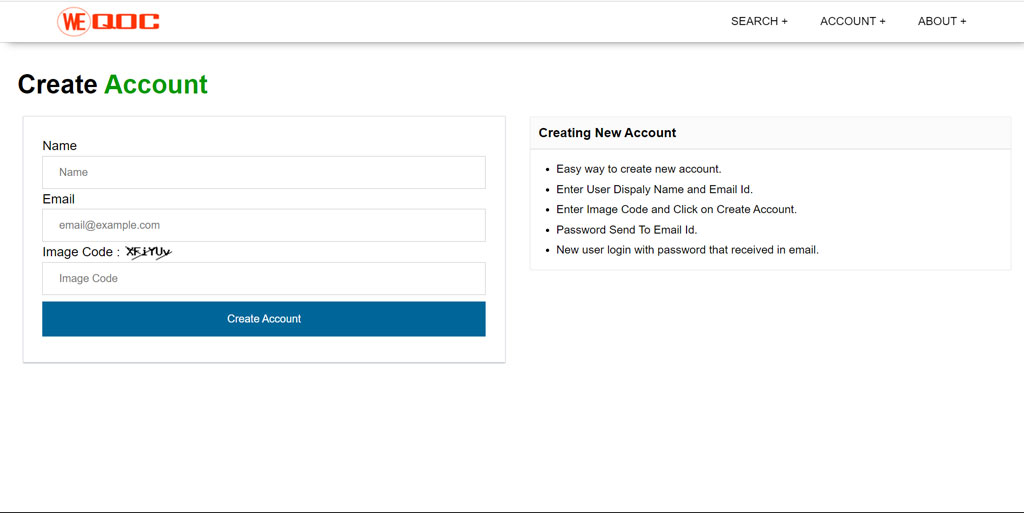
Create New User
For new user select Account > create new user. New user singup page open. Enter display name, Email id and image code. click on Create Account. After successfully open account. Account password will be sent to your email.
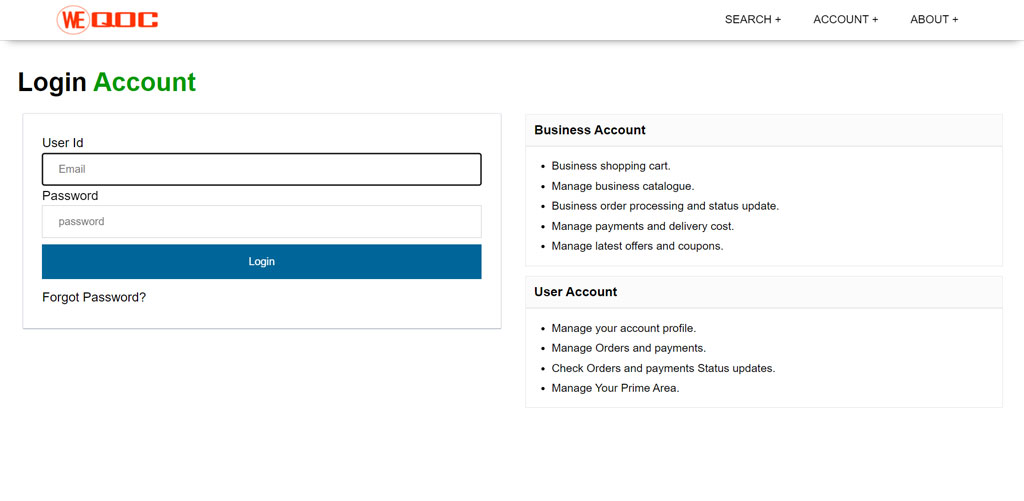
Login
For Login select Account > login. After login page open enter Email id and Password. click on Login.
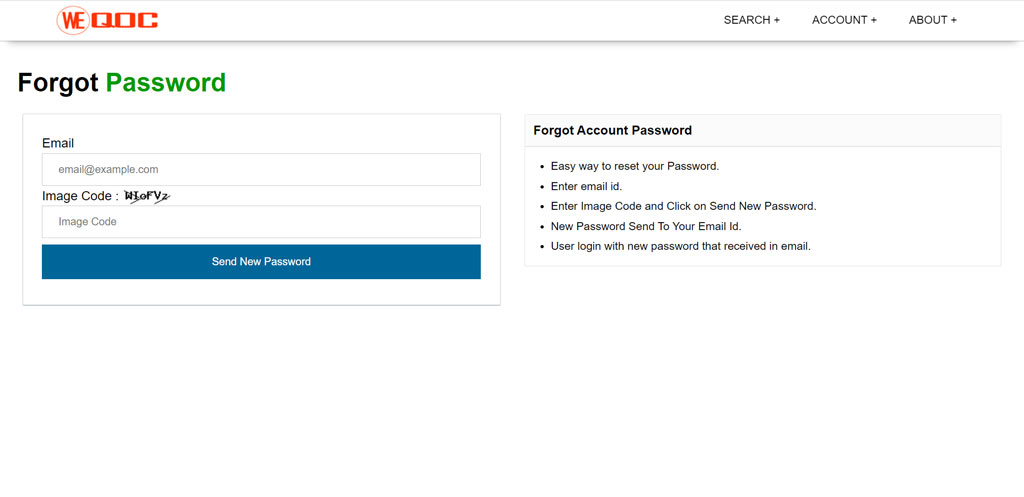
Forgot Password
For forgot password select Account > Forgot Password. Forgot password page open. Enter Email id and image code. click on Send New Password. After successfully check. Account new password will be sent to your email.

Copyright © 2026 WEQOC , All Rights Reserved.
Provided by GS Soluitons
Provided by GS Soluitons